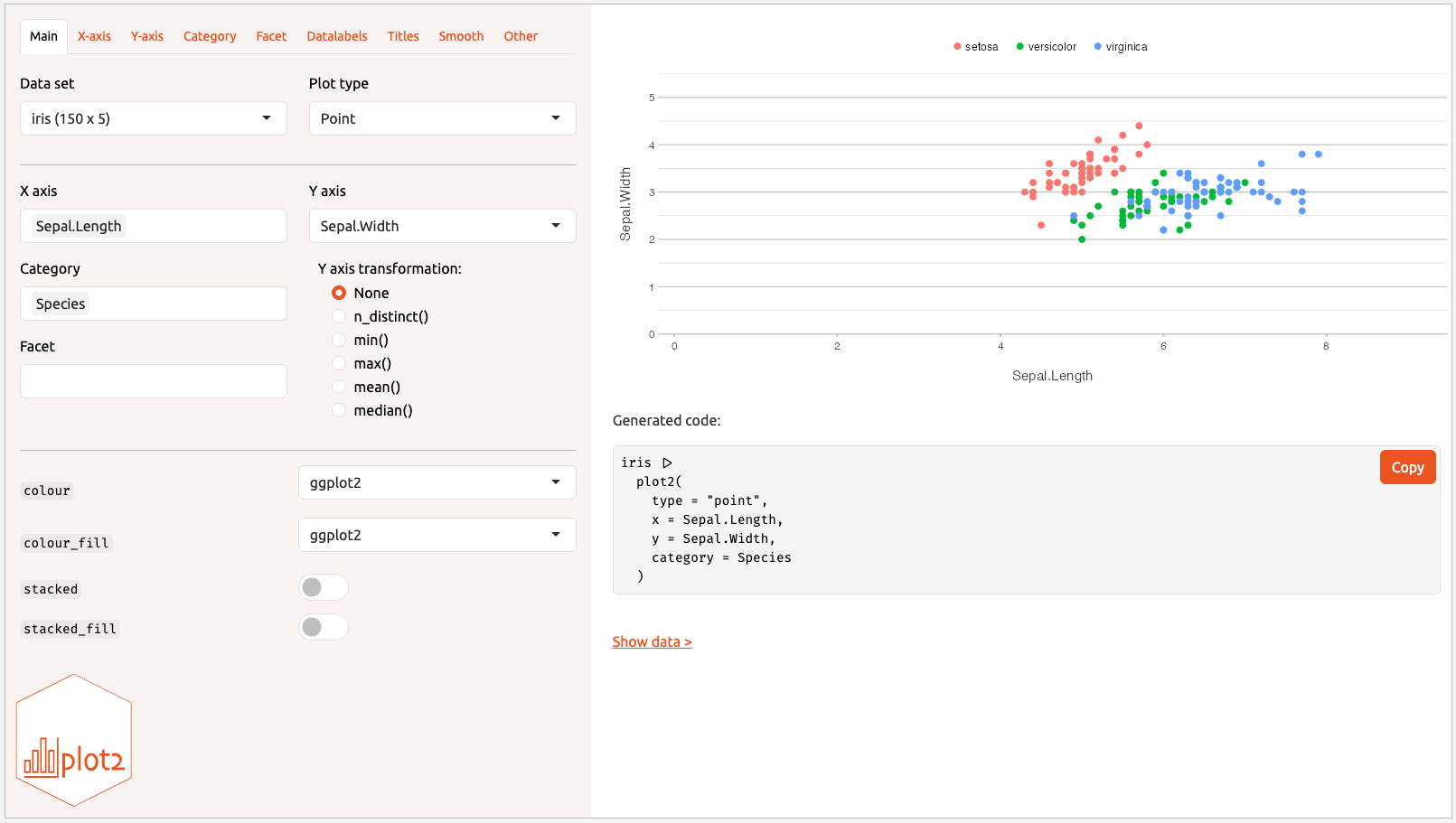
This Shiny app allows for interactive creation of a plot2.
Usage
create_interactively(
  data = NULL,
  css_code = NULL,
  logo_path = system.file("logo.svg", package = "plot2"),
  pretty_labels = FALSE,
  hide_generated_code = FALSE,
  hide_export_buttons = NULL,
  upload_tab = FALSE
)
Arguments
- data
A data set to load. Not strictly required, since all data sets in the global environment will be shown.
- css_code
Additional CSS code to load in the app.
- logo_path
Path to the logo shown in the app. Default to the
plot2logo. UseNULLto not use a logo.- pretty_labels
A logical to switch to pretty, readable labels, instead of argument names in code style.
- hide_generated_code
A logical to hide generated code.
A logical to hide export buttons and functionality.
TRUEwill hide the elements completely,NULLwill show a clickable text to expand buttons (default),FALSEwill show the expanded buttons.- upload_tab
A logical to show a dedicated Upload tab in the sidebar. When
TRUE, a full-featured data-import tab is added with format-specific options for many file types (CSV, TSV, Excel, SPSS, Stata, SAS, RDS, JSON, Parquet, Feather, YAML, XML, and more). The "Upload data set..." dropdown item will redirect to this tab instead of opening a modal. Requires thereadxlpackage in addition to the packages checked forupload_tab = FALSE. Administrators can ensure all dependencies are present by runningplot2:::install_shiny_deps()before launching the app.